Delta is not on the App Store, and half the iOS guides online end at a revoked certificate. Here is the install that works today:
Delta Executor iOS is the iPhone and iPad build of the Roblox script executor, and the current version is 2.747.1486 — the same build as Android, released on November 16, 2026. Delta executor ios is not on the App Store, so you install it one of two ways: Direct Install straight from this page, or sideloading the IPA file with an app like ESign or Scarlet.
| Version | 2.747.1486 |
|---|---|
| File name | Delta_iOS_2.747.1486.ipa |
| File size | 151,044,365 bytes (144.1 MB) |
| SHA256 | 7aa1c0a5931e845f19d59d960e96fa4b2958ddbe9c3b80834af1c2da551b7bee |
| Released | November 16, 2026 |
| Price | Free |
| Key required | Yes — free key, valid 24 hours |
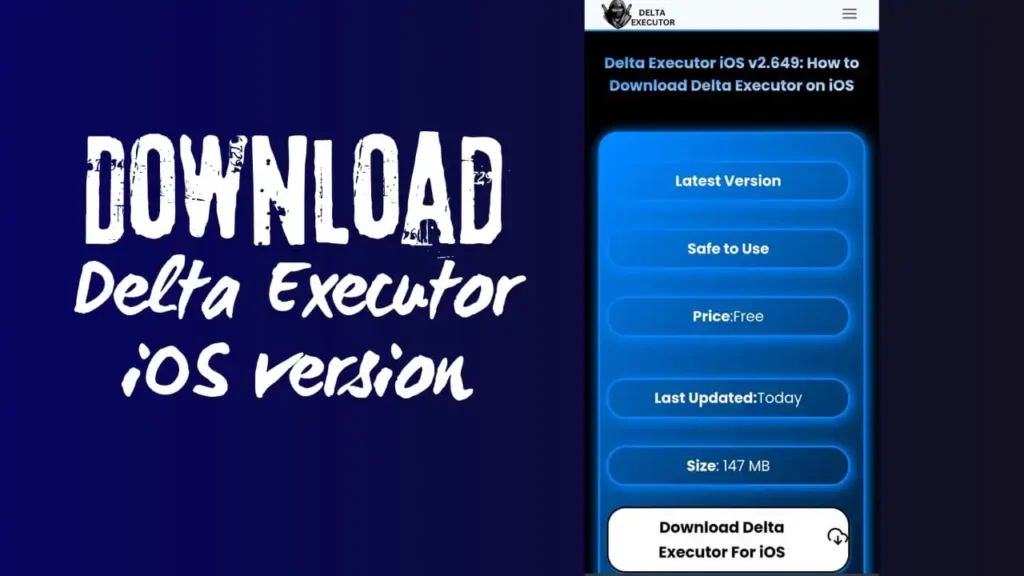
Direct Install, step by step
Direct Install is the fastest route — no computer, no extra app.
- Open this page in Safari on your iPhone or iPad and tap Direct Install above.
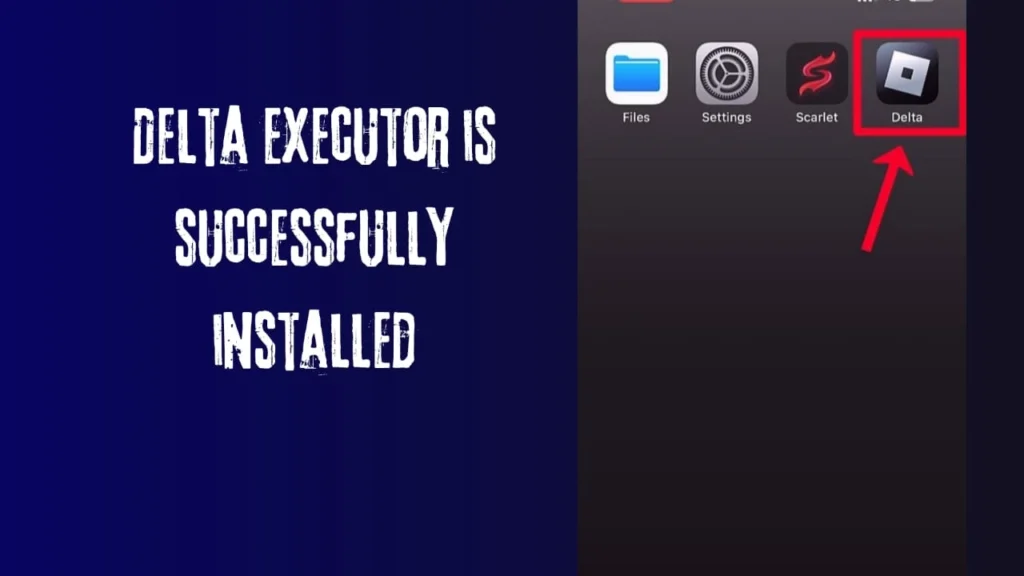
- When iOS asks to install the app, confirm and let the download finish. The Delta icon appears on your home screen, greyed out until you trust it.
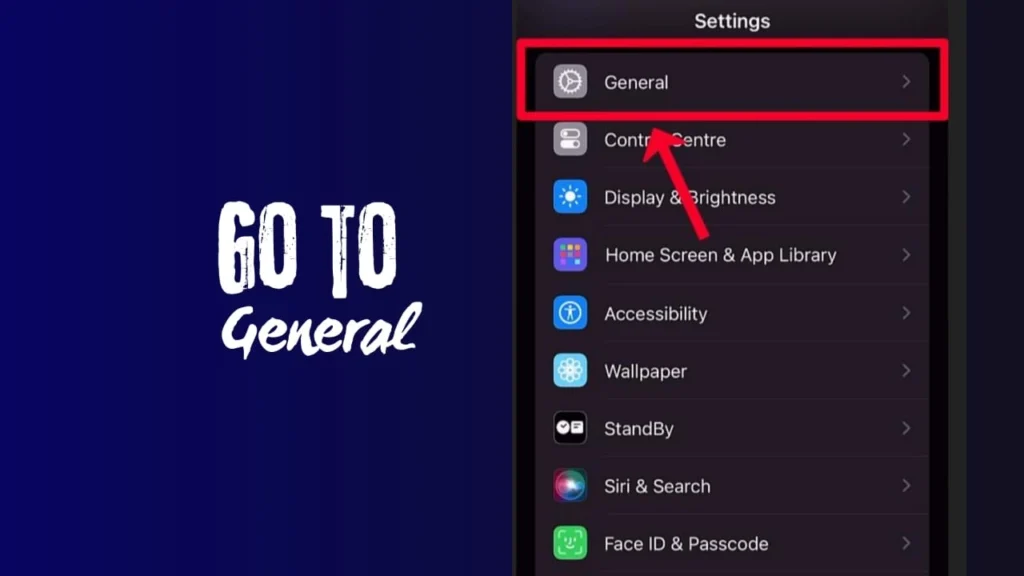
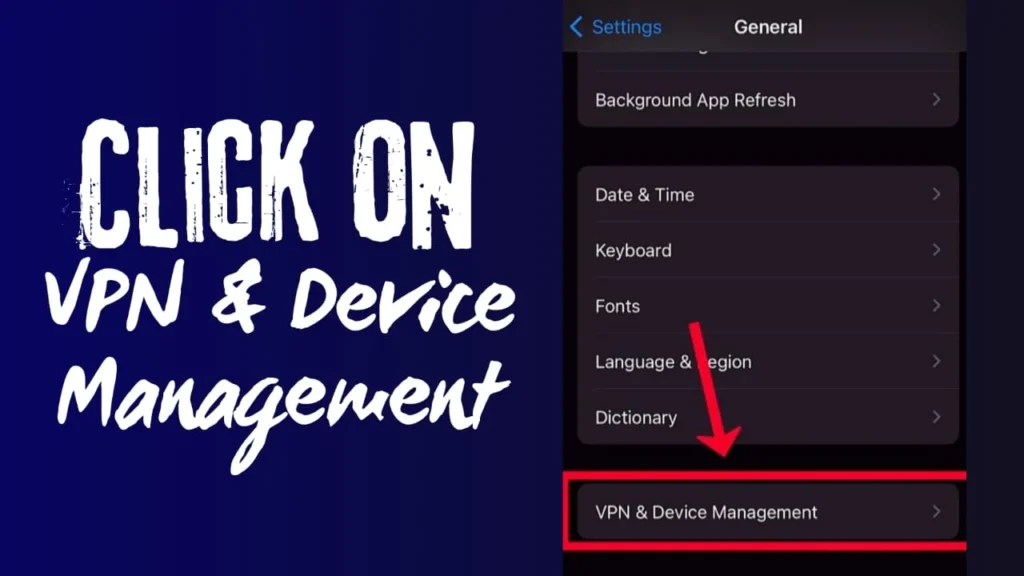
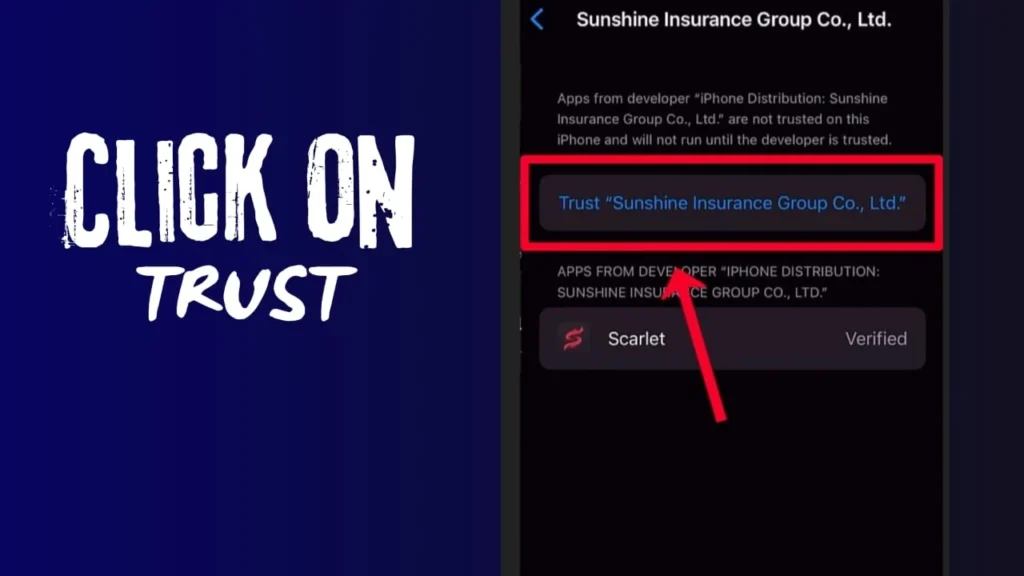
- Open Settings → General → VPN & Device Management.
- Under the enterprise app / developer profile entry, tap the profile name.
- Tap Trust, then confirm Trust again.
- Open Delta from your home screen, sign in to Roblox, and join a game.
- Tap the Delta icon and get your free key — the key guide shows the one-minute flow.
How to sideload the IPA instead
If Direct Install stops working — usually because a certificate was revoked (more on that below) — sideloading the IPA with your own signing is the steadier route.
- Download the IPA file from the button above.
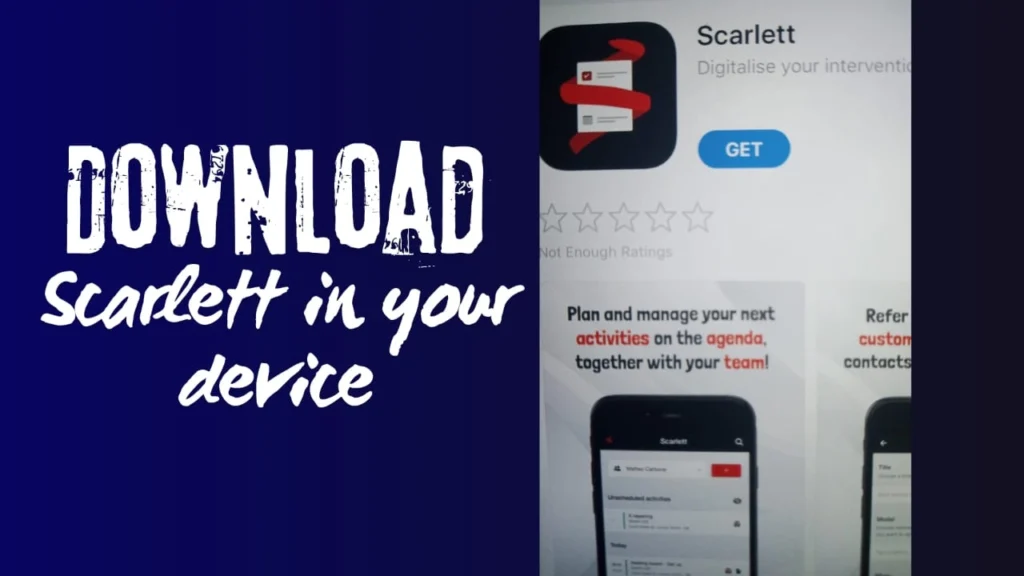
- Install a sideloading app such as ESign or Scarlet on your device.
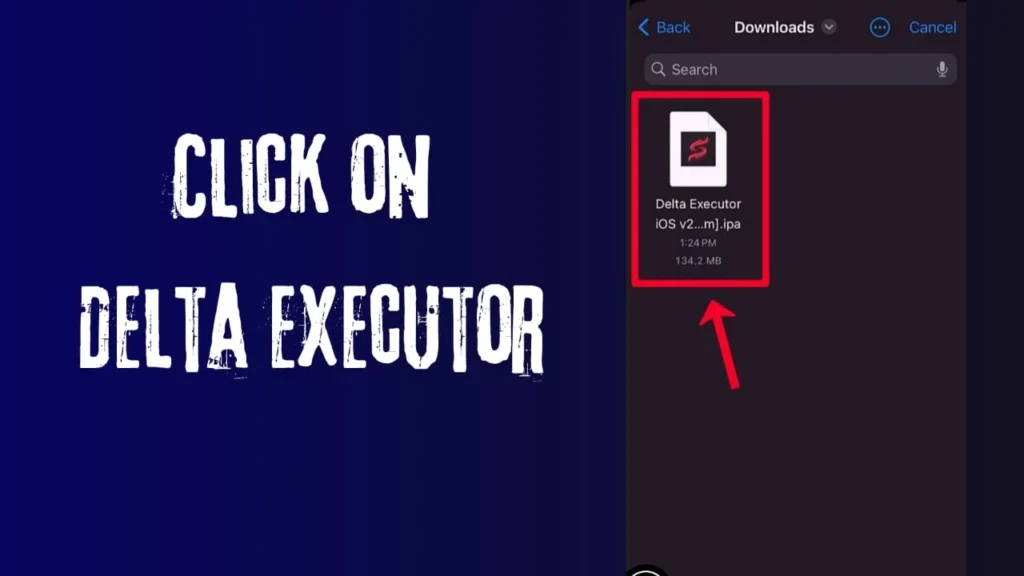
- Open the sideload app and import the Delta IPA file.
- Sign the app with the certificate the sideload app provides, then tap Install.
- Go to Settings → General → VPN & Device Management and trust the profile, exactly as in the Direct Install steps.
- Open Delta, sign in, and grab your key.
How we verified this IPA
The version was read from the app’s own Info.plist, which reports 2.747.1486, and the file is byte-for-byte the same build obtained from two independent sources. Its exact size and SHA256 are in the table above. If an “iOS Delta” file you got elsewhere is a different size, it is a different file.
Certificate revoked? Here is the fix
“Certificate revoked” (or the app suddenly refusing to open) means Apple has cancelled the enterprise certificate that signed your copy. It happens to every Direct Install app sooner or later, and it is not your fault or your phone’s. You have three options:
- Reinstall with Direct Install. Delete the app and install again from this page — new installs go out under a fresh certificate when one is available.
- Sideload the IPA with your own signing. Signing the IPA yourself (through ESign or a similar tool with your own Apple ID) cannot be revoked the same way, so it lasts longer.
- Wait and retry. If no fresh certificate is live yet, the sideload route is the one that works today.
One warning: pages that tell you to install random “anti-revoke” profiles or DNS tools are asking you to hand control of your phone’s traffic to strangers. Do not.
On Android instead? The download page has the verified APK. On Windows, the PC guide covers the emulator method.
Frequently asked questions
This is an unofficial guide site. Delta Executor is made by the Delta Team; we are not affiliated with the Delta Team or with Roblox Corporation. Using an executor breaks Roblox’s Terms of Service and can put your account at risk — see the disclaimer. Last updated: November 21, 2026.