Let’s clear this up first, because most sites won’t: there is no native Delta Executor for PC download. Delta is built for Android and iOS, and there is no official Windows .exe. The method that actually works is simple — install the Android build inside a free Android emulator such as MuMuPlayer, and it runs on your Windows screen, with your keyboard and mouse, exactly like the phone version.
That also means any website offering a direct “Delta Executor PC .exe” is not offering the genuine build. What you get from those buttons is anyone’s guess, and none of them publish a file hash you can check.
What do you need?
- A Windows PC that can run Roblox.
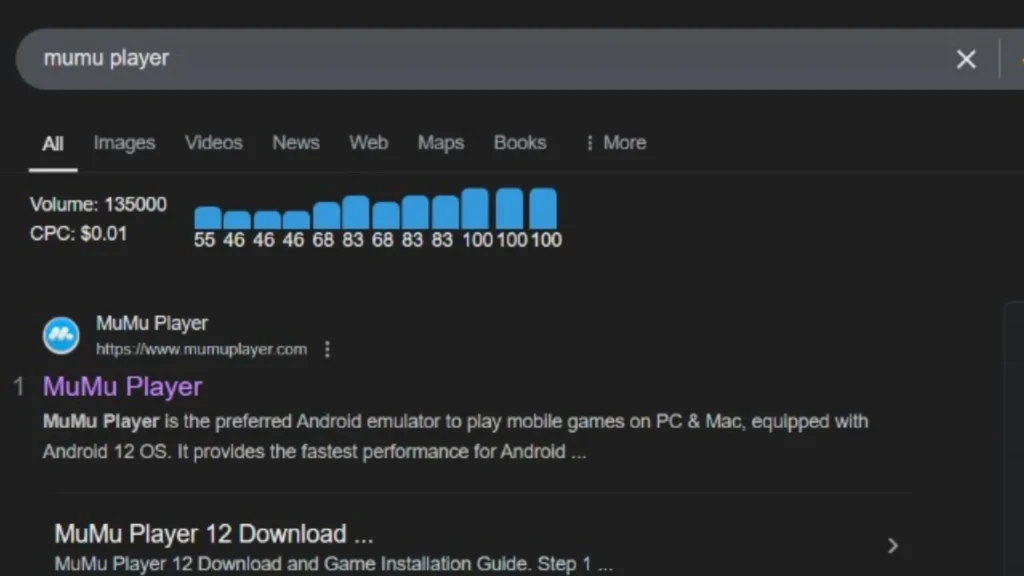
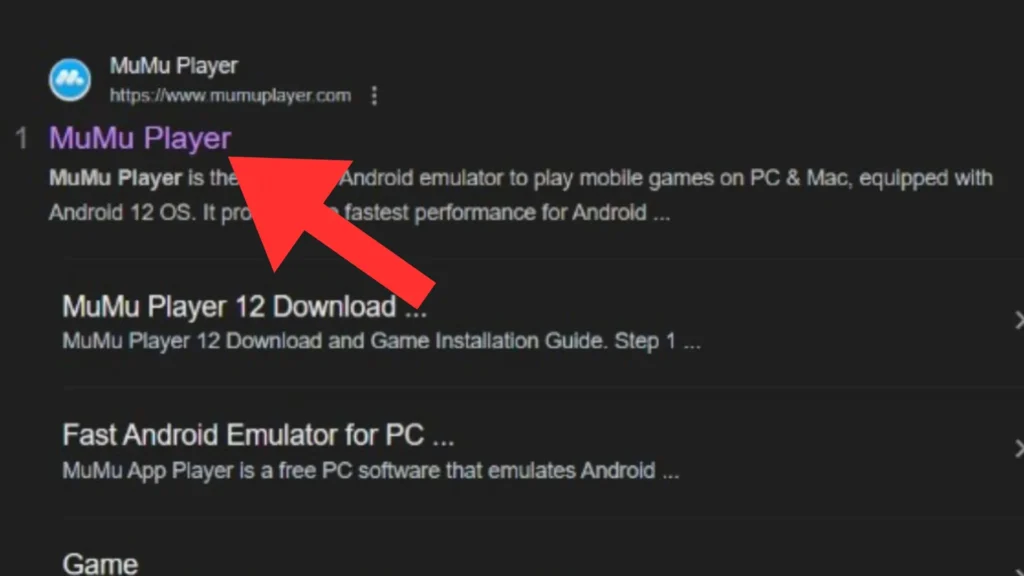
- MuMuPlayer — a free Android emulator (BlueStacks works too; this guide uses MuMuPlayer).
- The Delta APK — Delta-2.747.1486.apk, 166,242,352 bytes (158.5 MB), SHA256 b8e42b42ba373e42d7f06d8446813ec9a011a78d35360445b4b2d95cdb64327f.
- A Roblox account — use an alternate account, for the reason given in the safety note below.
| Version | 2.747.1486 |
|---|---|
| File name | Delta-2.747.1486.apk |
| File size | 166,242,352 bytes (158.5 MB) |
| SHA256 | b8e42b42ba373e42d7f06d8446813ec9a011a78d35360445b4b2d95cdb64327f |
| Released | November 16, 2026 |
| Platform | Runs in MuMuPlayer (Android emulator) — no native Windows build |
How to run Delta on PC, step by step
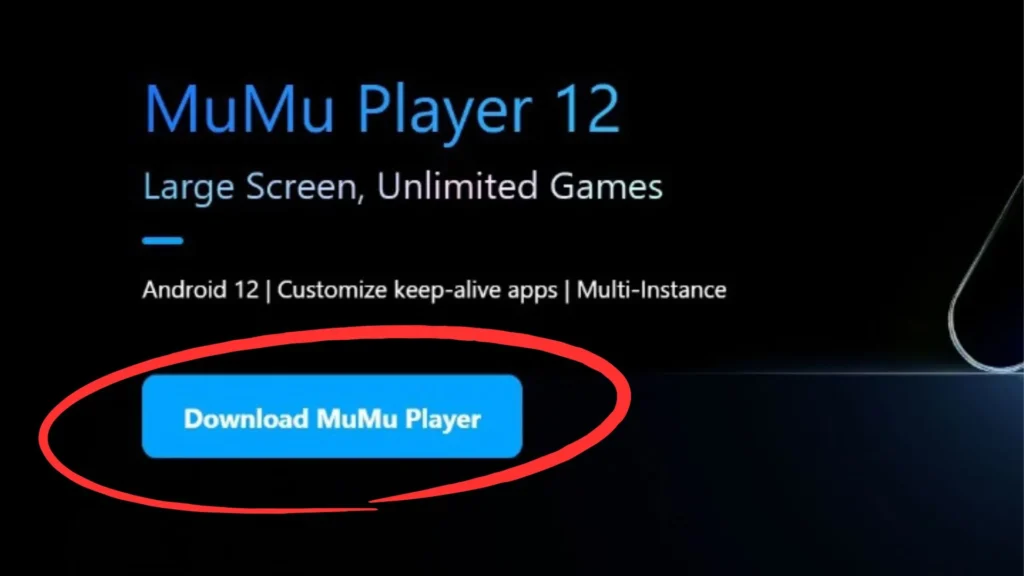
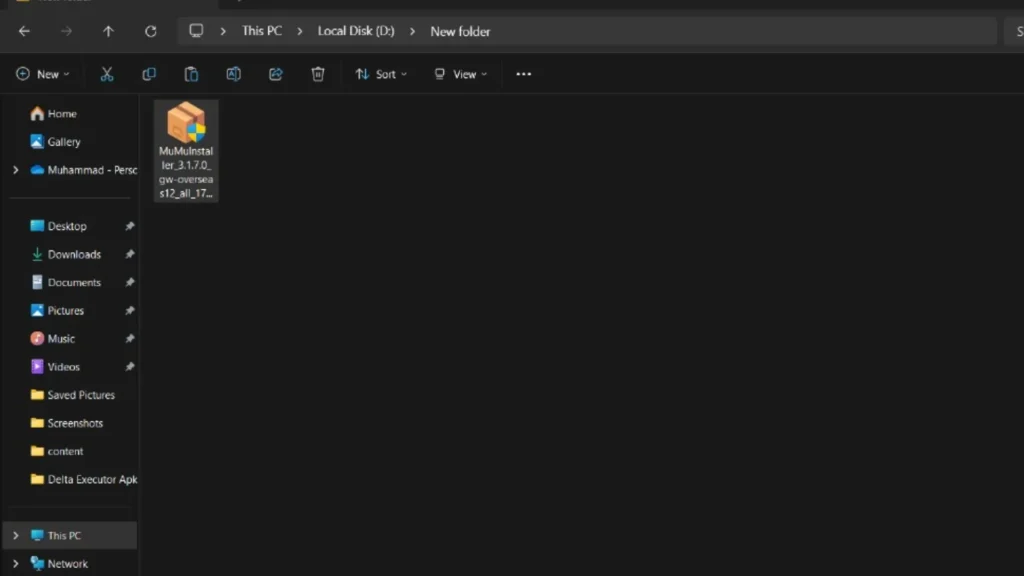
- Download MuMuPlayer from its official website and install it like any Windows program.
- Open MuMuPlayer and let it finish its first-time setup.
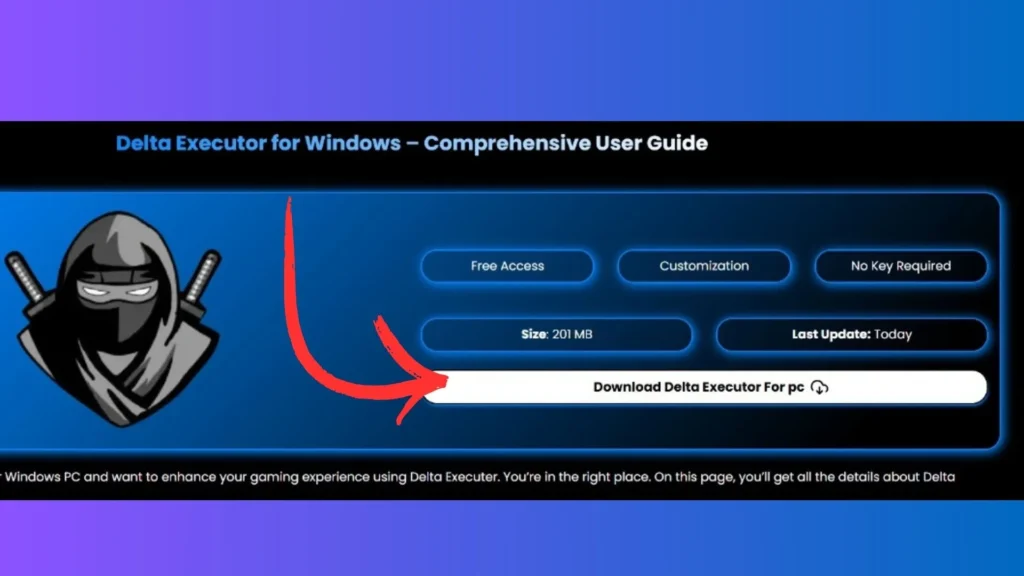
- Download the Delta APK from the button above (the same verified file as the Android download).
- In MuMuPlayer, use the Install APK option (or drag the APK file onto the emulator window) and select the Delta file.
- Wait for the install to finish. The Delta icon appears on the emulator’s home screen.
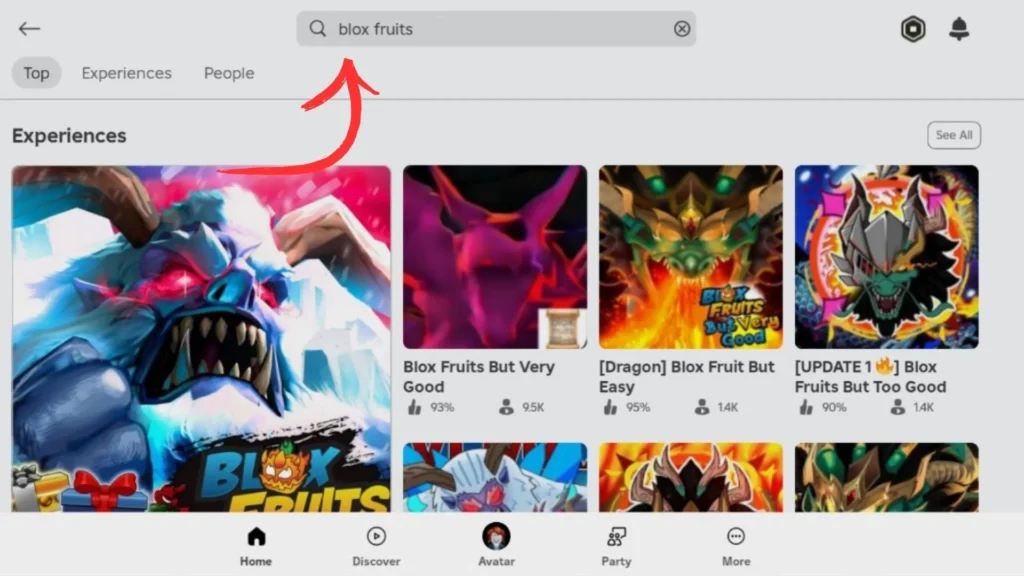
- Open Delta, sign in to Roblox, and join the game you want to play.
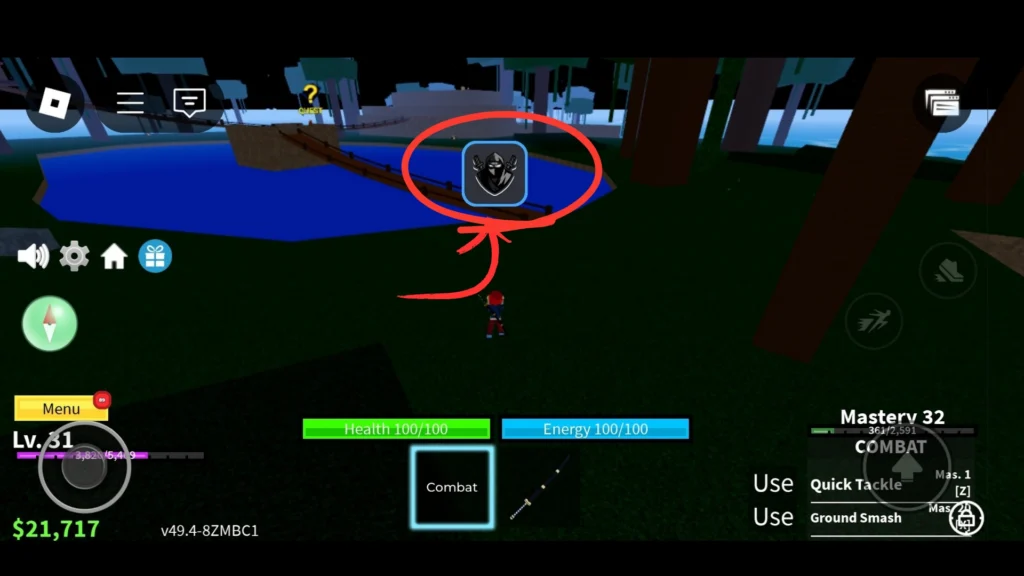
- Tap the Delta icon inside the game.
- Tap Receive Key and follow the key guide — yes, the key is needed on PC too, because you are running the Android build.
- Paste your key, tap Continue, paste your script in the editor, and hit Execute.
Do you need a key on PC?
Yes. Some old guides claim the PC version is keyless, but that was never true of the genuine build — and this guide proves it: you are running the Android app, and the Android app asks for the free 24-hour key. The good news is the flow takes about a minute, and the key guide covers every screen. Delta Premium is the paid option that removes the key step entirely.
Common PC errors and fixes
MuMuPlayer will not start, or freezes on loading
Emulators need hardware virtualization. Restart your PC, enter the BIOS/UEFI settings, and enable Virtualization Technology (VT-x on Intel, SVM on AMD). Also close other heavy programs — the emulator wants RAM.
The APK will not install in the emulator
Use the emulator’s own Install APK button instead of dragging, and confirm the file finished downloading — it should be exactly 166,242,352 bytes. A short download is a broken file.
Delta closes or shows a black screen after a Roblox update
Version mismatch: Roblox patched, so the old build no longer matches. Download the current build from this page and install it over the old one inside the emulator.
Everything runs slowly
In the emulator’s settings, give it more CPU cores and RAM (half of what your PC has is a good start), and switch its graphics mode if your GPU supports it.
A quick safety note
Two honest points. First, the file: we publish the APK’s exact size and SHA256 so you can verify the copy you installed is the build we checked. Second, your account: using any executor breaks Roblox’s Terms of Service, and accounts can be banned for it. Script on an alternate account, and never enter your Roblox password or .ROBLOSECURITY cookie into any website. Full details are in the disclaimer.
Frequently asked questions
This is an unofficial guide site. Delta Executor is made by the Delta Team; we are not affiliated with the Delta Team or with Roblox Corporation. Last updated: November 21, 2026.