Key expired again — right when you wanted to play? That daily expiry is built into the free version, and getting a fresh one takes about a minute:
A Delta Executor key is the free code that unlocks script execution in the app. One delta executor key lasts 24 hours, and getting it takes about a minute: the app hands you a link, you complete one short task on the key page, and you paste the code back into the app. No key, no scripts — that is the only gate on the free version.
How to get your key, step by step
- Open Roblox and join any game you like.
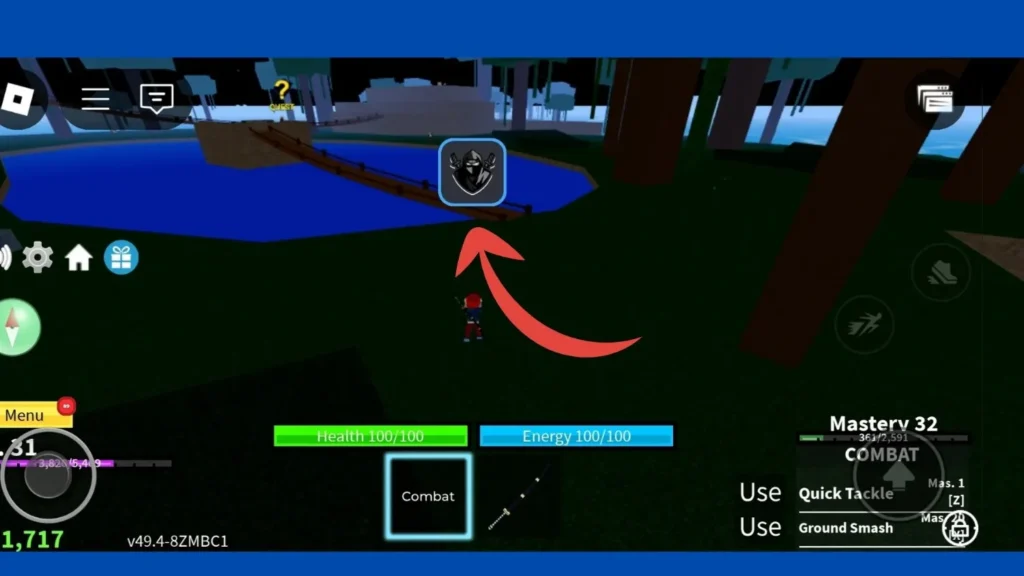
- Tap the Delta icon on your screen to open the executor window.
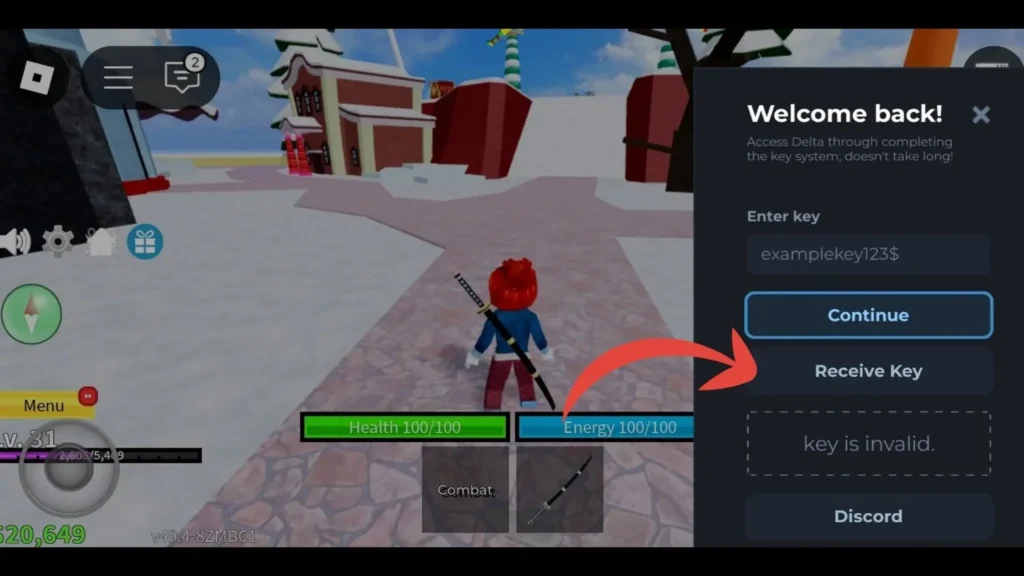
- Tap Receive Key. The app copies your personal key link.
- Open your browser and paste the link.
- The key page asks you to complete one short task — this is the checkpoint that keeps the free version free. It takes a few seconds.
- Your key appears on the page. Copy it exactly, with no extra spaces.
- Go back to the game, paste the key into the Enter Key box.
- Tap Continue. You are ready to execute scripts.
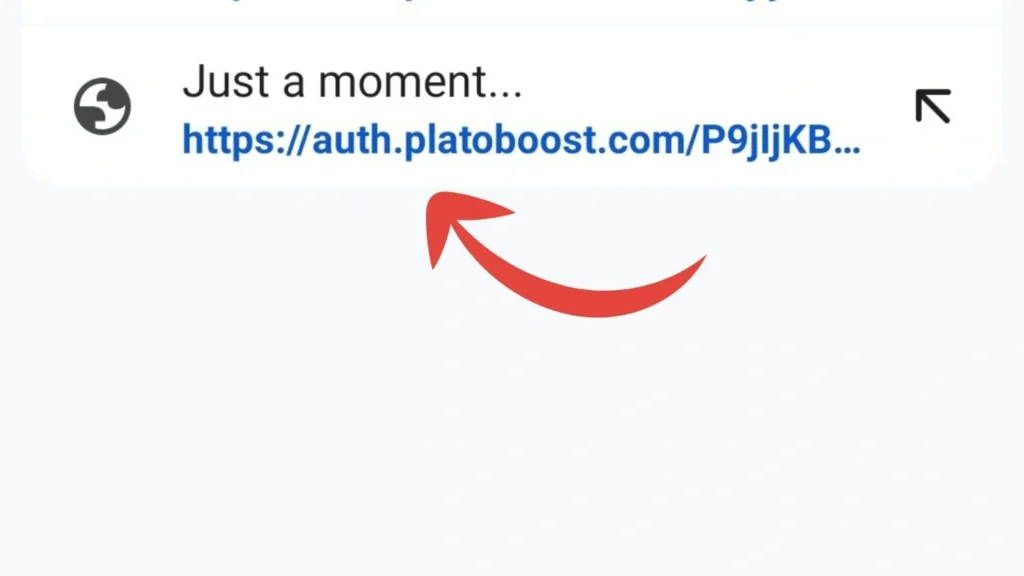
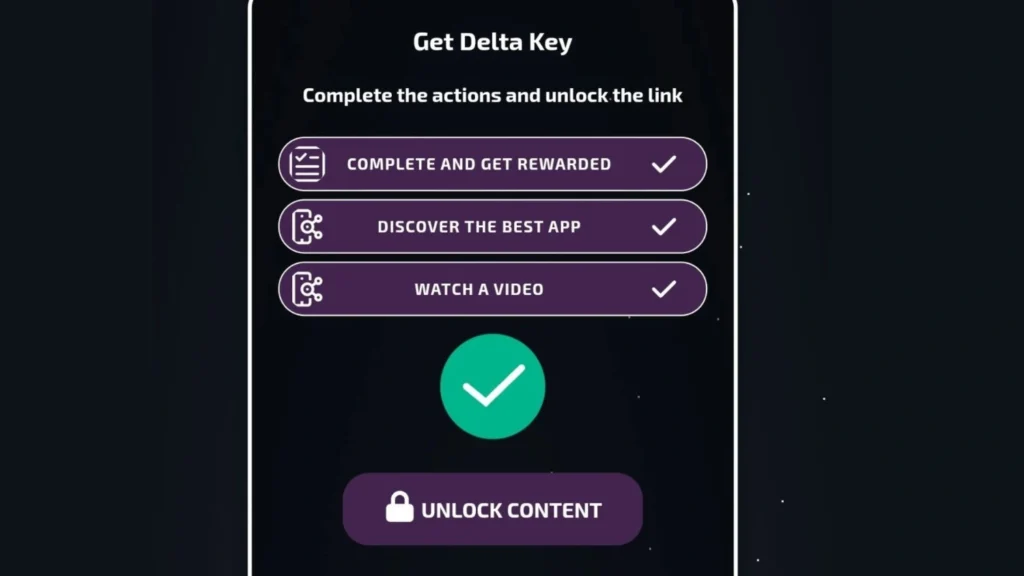
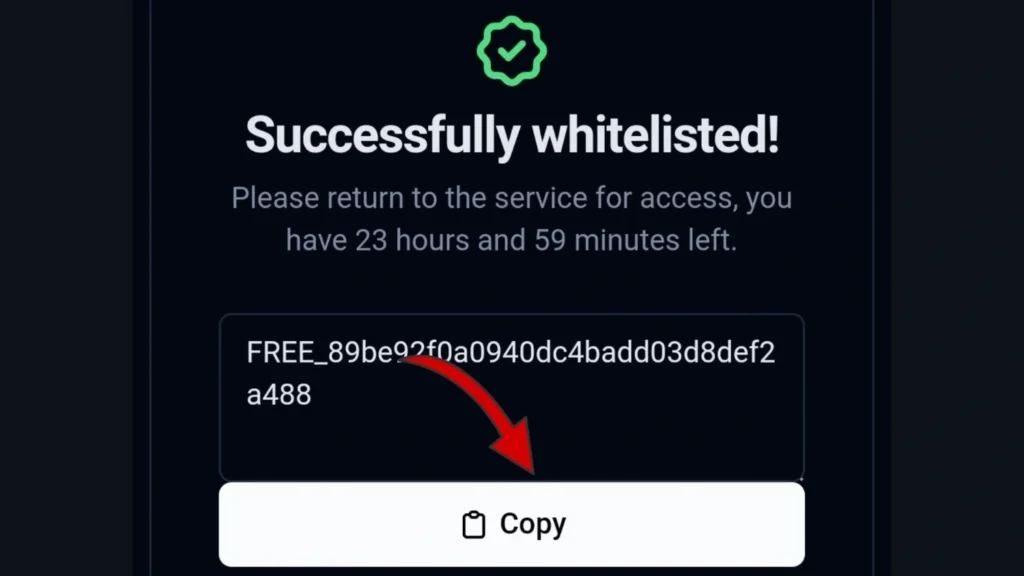
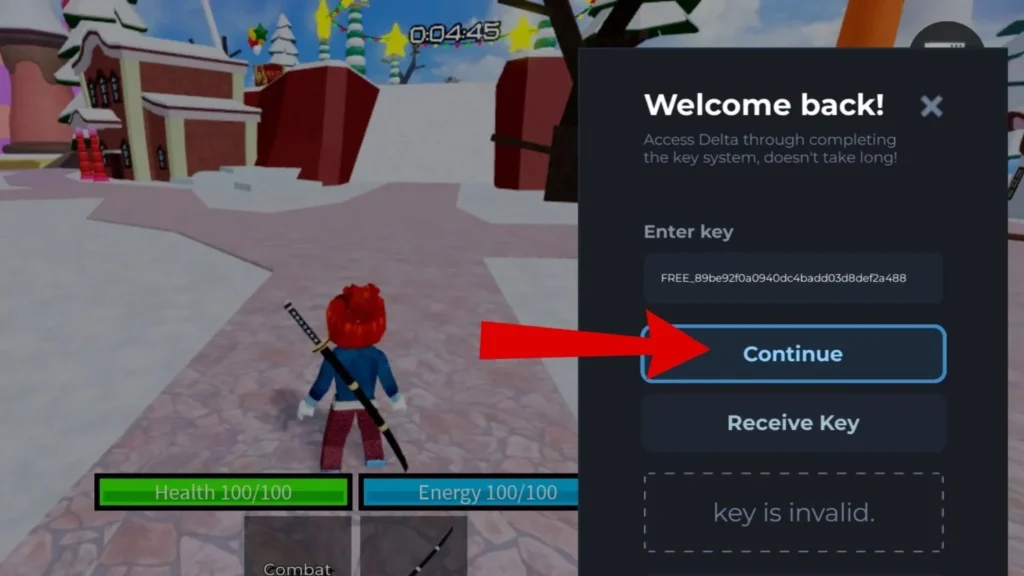
Depending on the day, the checkpoint may run through a page such as Linkvertise, Work.ink or a LootLabs link. The route changes; the flow does not. Your link always starts from the Receive Key button inside your own app — never from a random “key site” you found in a comment.
Why does the key expire after 24 hours?
Because the free version is paid for by the checkpoint pages, not by you. Each key is a 24-hour pass, and when it runs out the app simply asks you to check in again. It is annoying by design — it is also the whole reason the executor can stay free while its team keeps rebuilding it after every Roblox patch. If the daily routine bothers you, that is exactly what Premium (below) exists for.
Which pages and popups should you ignore?
The key flow attracts fakes. Close any page that does one of these:
- Asks for your Roblox password. The real key page never needs it. Nothing legitimate ever does.
- Asks for your .ROBLOSECURITY cookie. That cookie is your logged-in session. Pasting it anywhere hands over your account.
- Offers a “key generator” app or a “keyless Delta” download. The genuine build always uses the key system on the free plan. “Keyless editions” sold by other sites are unofficial repacks — you cannot verify what is inside them, and they publish no hash.
- Asks you to install a browser extension or an extra “helper” app to reveal your key. The key appears on the page itself.
- Opens endless popups with download buttons. The real checkpoint has one task. Fake buttons around it are ads, not steps.
Key not working? Try these fixes
- The key expired. More than 24 hours old means dead. Tap Receive Key and get a fresh one — it takes a minute.
- Extra characters. A trailing space from copying is the most common cause of “invalid key.” Copy the key again and paste it untouched.
- The task finished but no key appeared. Redo the checkpoint in the same browser, from the link the app gave you. Switching browsers mid-flow loses the session.
- The checkpoint page will not load or loops. Ad blockers and some VPNs break these pages. Pause them just for the key page, complete the task, then turn them back on.
- You just updated the app. A new build starts a new session. Old keys stop working — get a new one for the new build.
What is Delta Premium?
Premium is the Delta Team’s paid upgrade, and its one job is to remove the key requirement: open the app, execute, done. We do not sell it and this page is not an ad for it — we mention it once because “how do I skip the key?” is the question every free user eventually asks. Everything else in the app works the same on the free key.
Still need the app itself? Get the verified build from the download page, or use Direct Install from the iOS page. The homepage has every guide in one place.
Frequently asked questions
This is an unofficial guide site. Delta Executor is made by the Delta Team; we are not affiliated with the Delta Team or with Roblox Corporation. Last updated: November 21, 2026.